Why Players Want to Play Mobile Games on PC
Mobile games are easy to access. You can download them in minutes and start playing right away. Many people enjoy them during short breaks or while traveling. Yet some players want more comfort and better control. Small screens can feel limiting. Long sessions can drain the battery and heat the phone. Because of this, more users now look for ways to play mobile games on a PC instead of only on a phone.
Playing on a computer gives a different experience. The screen is larger. The controls can feel more precise. For competitive games, this can make a real difference.
Clash Royale: One of the Most Exciting Strategy Games on Mobile
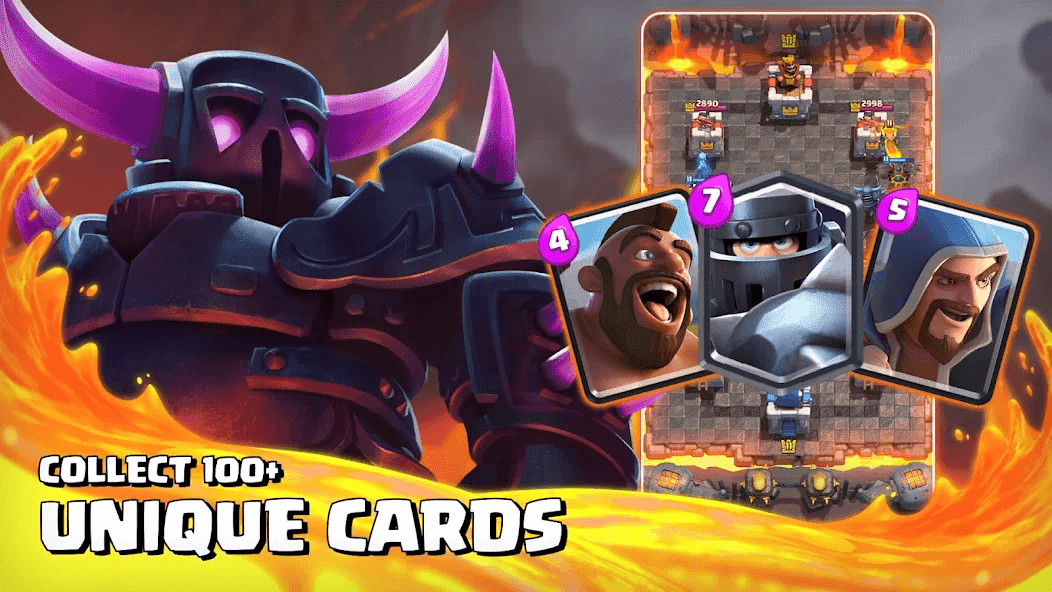
Clash Royale is a real-time strategy card game developed by Supercell. It is available on Android and iOS devices. The game mixes card collecting, tower defense, and live battles. Players build a deck of cards. Each card represents a troop, spell, or building. During a match, two players fight in real time. The goal is to destroy the opponent’s towers while defending your own.
Matches are short, usually about three minutes. This makes the game fast and competitive. Timing and strategy matter. Players must manage elixir, place units wisely, and react quickly to the opponent’s moves. This is why many players choose to play clash royale pc for better control and smoother performance.
Why Some Users Choose to Play on PC
Phones are convenient, but they are not always ideal for long gaming sessions. A small screen can make it harder to see details. Fingers can block part of the battlefield. Notifications can interrupt a match.
On a PC, the display is larger and clearer. Players can focus better. A stable internet connection through a wired network can also help reduce lag. Some users simply prefer sitting at a desk instead of holding a phone for a long time.
What Is an Android Emulator?
An Android emulator is software that allows a computer to run Android apps. It creates a virtual Android system inside your PC. With this system, you can download and use mobile apps just like you would on a phone.
Emulators are often used for gaming, app testing, or productivity. For players who want to Play Clash Royale on PC, an emulator makes it possible.
Playing the Game on PC with MuMuPlayer
One option is MuMuPlayer. It is an Android emulator designed for running mobile games on PC. Many players choose MuMuPlayer because it is easy to install, simple to use, totally free, and the interface is clear. It supports keyboard mapping. It runs smoothly on most modern computers.
With MuMuPlayer, you can download Clash Royale from the Google Play Store inside the emulator. The setup feels similar to using an Android phone, but you are on a larger screen.
How to install Clash Royale on MuMuPlayer
Here is a simple guide:
Step 1: Download MuMuPlayer
Visit the official MuMuPlayer website. Download the installer for your PC.
Step 2: Install the Emulator
Open the installer and follow the on-screen instructions. Wait for the installation to finish.
Step 3: Sign In to Google Play
Launch MuMuPlayer. Log in with your Google account to access the Play Store.
Step 4: Install Clash Royale
Search for Clash Royale in the Play Store. Click install.
Step 5: Start Playing
Open the game and adjust the keyboard settings if needed. You are now ready to enjoy clash royale pc on a larger screen.
Benefits of Using an Emulator on PC
Larger Display
A bigger screen makes it easier to see cards, units, and tower health. This helps during intense matches.
Keyboard and Mouse Control
You can map controls to keys and use the mouse for precise actions. This can improve reaction time.
Stable Performance
A PC often handles long sessions better than a phone. There is no battery drain issue.
Multi-Instance Support
Some emulators allow you to run more than one instance at the same time. This is useful for advanced users.
FAQ
Is it safe to use an emulator?
Yes, if you download it from the official website. Always avoid unknown sources.
Is it free?
Many emulators, including MuMuPlayer, are free to download and use.
Is the game stable on PC?
Performance depends on your computer. Most modern PCs can run it smoothly.
Is it compatible with all systems?
Check the system requirements before installing. Most Windows PCs are supported.
Conclusion
Playing Clash Royale on a phone is simple and convenient. Playing on a PC offers a different kind of comfort and control. With an Android emulator like MuMuPlayer, you can choose the setup that fits your style. The goal stays the same. Win battles, improve your deck, and enjoy the game in the way that feels best for you.